Creating a cozy and inviting home workspace can make a significant difference in your productivity and overall well-being. Whether you’re working remotely, freelancing, or simply need a spot for paying bills and planning your day, a comfortable workspace helps keep you focused and motivated. Below are some top tips to help you design a home office area that feels welcoming and inspires creativity.
Choose the Right Location
The first step is deciding where you want your workspace. Ideally, this spot should be quiet, well-lit, and free from distractions.
Consider Natural Light
If possible, pick a location near a window. Natural light can reduce eye strain and lift your mood. Position your desk to benefit from daylight without causing glare on your computer screen.
Minimize Noise
Choose a space that minimizes noise interruptions. If you don’t have a separate room, try using noise-canceling headphones or adding soft furnishings like rugs and curtains to absorb sound.
Invest in Comfortable Furniture
A cozy workspace starts with comfort. When selecting furniture, prioritize ergonomics as well as style.
Desk and Chair
Select a desk that fits your needs—whether it’s a small writing desk or a larger one with storage. Your chair should support good posture; consider adjustable options with good back support.
Add Soft Textiles
Incorporate soft elements such as cushions, a cozy throw blanket, or a small area rug. These additions make your space feel warmer and more inviting.
Personalize Your Space
Adding personal touches transforms a utilitarian setup into a welcoming area.
Use Artwork and Photos
Hang artwork or photos that inspire you or bring you joy. These visual elements help create a positive environment.
Incorporate Plants
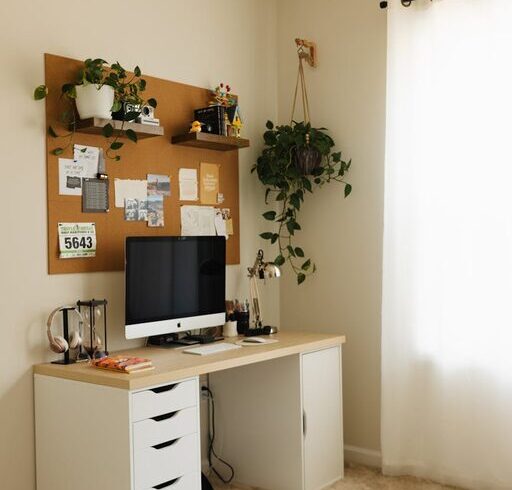
Greenery not only adds color but also improves air quality and promotes relaxation. Choose easy-to-care-for plants like succulents, pothos, or snake plants.
Organize and Declutter
A cluttered workspace can lead to distractions and stress. Keeping things organized enhances your focus.
Use Storage Solutions
Employ shelves, drawers, or baskets to keep supplies tidy. Labeling containers or using drawer organizers can simplify finding what you need.
Keep Only Essentials on Your Desk
Limit desktop items to what you use daily. This clears space and helps maintain a clean look.
Create a Pleasant Atmosphere
Small details contribute to an inviting atmosphere that supports working comfortably.
Lighting
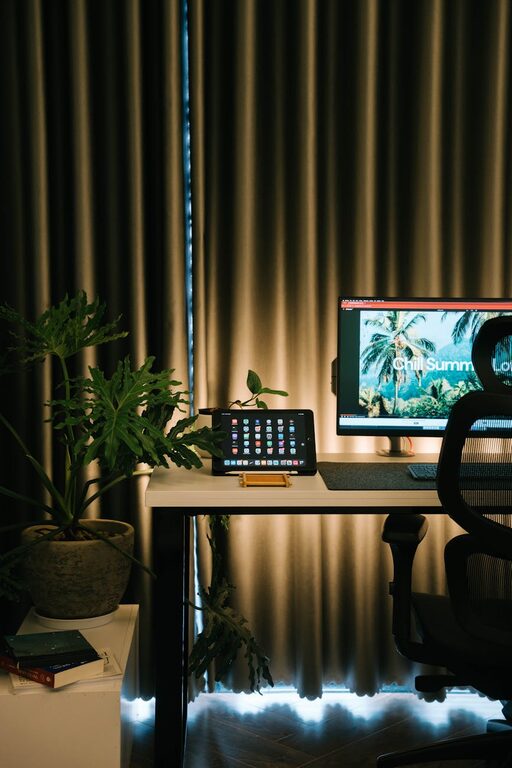
Add layers of lighting – a soft desk lamp for tasks and ambient lighting to reduce eye strain. Warm bulbs typically create a cozy ambiance.
Scent and Sound
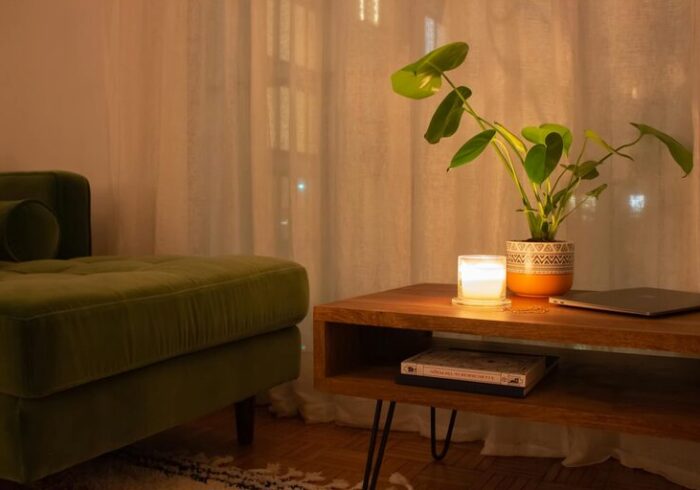
Consider a subtle candle, essential oil diffuser, or background music to improve your mood. Choose scents and sounds that relax or energize you without being overwhelming.
Establish Boundaries
Working from home often means balancing work and personal life in the same space.
Define Your Workspace
Visually separate your work area from the rest of your home. Use room dividers, rugs, or furniture placement to create boundaries.
Set Work Hours
A cozy workspace supports productivity when combined with clear routines. Decide on work hours and stick to them to maintain balance.
Keep Comfort in Mind
Lastly, remember that comfort is key to a cozy workspace.
Temperature Control
Make sure the room is comfortably heated or cooled based on the season. A small fan or heater can help adjust the temperature.
Take Breaks
Even in the most inviting workspace, it’s important to take regular breaks to stretch and rest your eyes.
—
Designing a cozy and inviting home workspace doesn’t have to be complicated or expensive. By blending comfort, personalization, and organization, you can create a space that not only makes work more enjoyable but also encourages you to stay focused and productive. Try experimenting with these tips to find what works best for you!